Brand guidelines - Version 1.0, 2025

Visual identity

Logo

This section provides guidelines on the essential elements of the HELP logo: the brandmark and the wordmark. As you’ll see, these elements can appear in various combinations to suit different contexts. The aim is to ensure consistent and effective logo usage across all brand touchpoints.

Primary Logo – HELP

Two versions of the HELP primary logo have been created for use on different materials and backgrounds.

The standalone HELP wordmark can be used on most collateral or where the reader of the collateral refers to the brand as ‘HELP’.

  1. Primary
    This version of the logo should only be used on light backgrounds, or those that provide good contrast/legibility.
  2. Reversed
    This version of the logo should only be used on backgrounds that provide good contrast/legibility.
  3. Black
    This version of the logo should only be used on backgrounds that provide good contrast/legibility or where colour use is limited.
Download
Secondary Logo – Help Enterprises

The full Help Enterprises wordmark may be used in applications where the reader is being introduced to the brand for the first time; and when a more formal approach is required, such as for official letters and business proposals.

Multiple versions of the Help Enterprises logo have been created for use on different materials and backgrounds.

Stacked

  1. Primary
    This version of the logo should only be used on light backgrounds, or those that provide good contrast/legibility.
  2. Reversed
    This version of the logo should only be used on backgrounds that provide good contrast/legibility.
  3. Black
    This version of the logo should only be used on backgrounds that provide good contrast/legibility or where colour use is limited.

Inline

  1. Primary
    This version of the logo should only be used on light backgrounds, or those that provide good contrast/legibility.
  2. Reversed
    This version of the logo should only be used on backgrounds that provide good contrast/legibility.
  3. Black
    This version of the logo should only be used on backgrounds that provide good contrast/legibility or where colour use is limited.
Download

Wordmark

The HELP and Help Enterprises wordmarks follow the same rules as the primary logos, and are available in the same colourways.

  1. HELP
    A simplified ‘HELP’ wordmark may be used without the accompanying ‘H’ brandmark in select applications or when a smaller logo is required.
  2. Help Enterprises
    The ‘Help Enterprises’ wordmark may be used without the accompanying ‘H’ brandmark in select applications. However, this treatment may only be applied to the inline wordmark. The stacked wordmark must always appear with the accompanying ‘H’ brandmark.
Download

Brandmark

The brandmark can be used in selected applications and instances where using the complete logo would be repetitious or redundant.

  1. Primary
    This version of the brandmark should only be used on light backgrounds, or those that provide good contrast/legibility.
  2. Reversed
    This version of the brandmark should only be used on backgrounds that provide good contrast/legibility.
  3. Black
    This version of the brandmark should only be used on backgrounds that provide good contrast/legibility or where colour use is limited.
Download

Exclusion zone

In order to protect the integrity and legibility of the HELP logo suite, an exclusion zone, or safe area, has been created around the logo into which nothing should infringe upon.

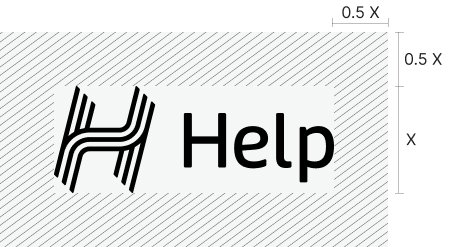
  1. HELP logo
    The minimum clearspace of the logo is measured by the height of the logo. To preserve the integrity of the logo, it is important that no other logos or other graphic elements infringe on its space.
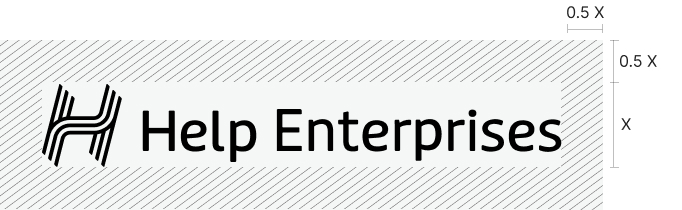
  2. Help Enterprises logo (inline)
    The minimum clearspace of the logo is measured by the height of the logo. To preserve the integrity of the logo, it is important that no other logos or other graphic elements infringe on its space.
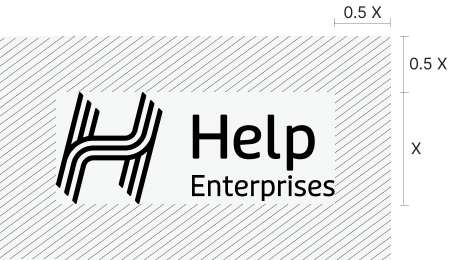
  3. Help Enterprises logo (stacked)
    The minimum clearspace of the logo is measured by the height of the logo. To preserve the integrity of the logo, it is important that no other logos or other graphic elements infringe on its space.
  4. Wordmark
    The minimum clearspace of the logo is measured by the height of the logo. To preserve the integrity of the logo, it is important that no other logos or other graphic elements infringe on its space.
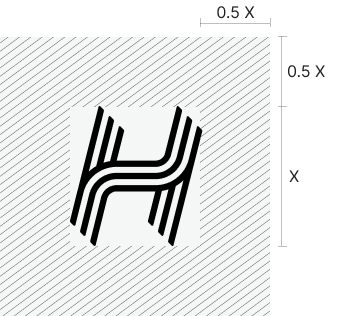
  5. Brandmark
    The minimum clearspace of the logo marque is measured by half height of the logo marque.
  1. Exclusion zone
  2. Exclusion zone
  3. Exclusion zone
  4. Exclusion zone
  5. Exclusion zone

Minimum size

To ensure the logo always appears clear and legible, an absolute minimum size has been set.

The HELP logo and marque should never appear smaller than detailed here.

  1. HELP logo
  2. Help Enterprises inline logo
  3. Help Enterprises stacked logo
  4. Wordmark
  5. Brandmark
  1. Minimum size
  2. Minimum size
  3. Minimum size
  4. Minimum size
  5. Minimum size

Incorrect logo treatment

These logo rules are applicable across all of the HELP logo suite.

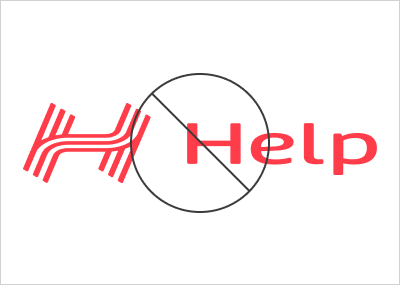
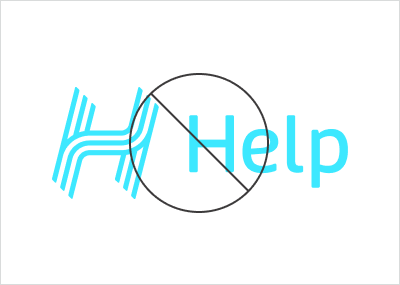
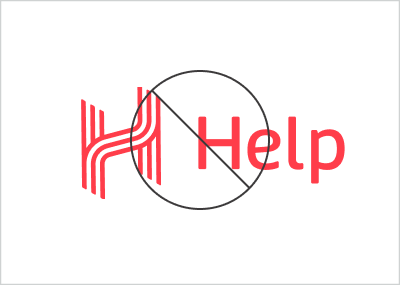
  1. DON’T stretch the logo.
  2. DON’T colour the logo in any way that is not outlined in this document.
  3. DON’T edit or attempt to recreate any part of the logo.
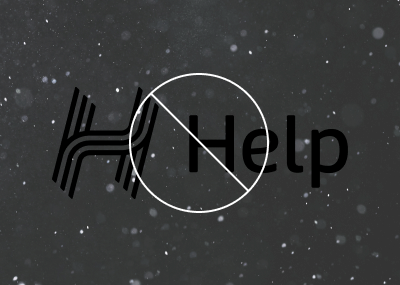
  4. DON’T place the logo on any background that hinders the visibility or legibility.
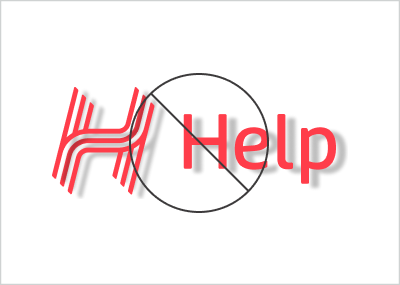
  5. DON’T add drop shadows or any other effects to the logo.
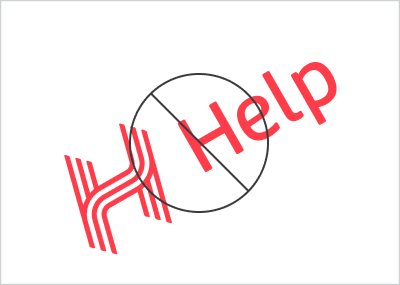
  6. DON’T rotate the logo.
  1. Incorrect logo treatment
  2. Incorrect logo treatment
  3. Incorrect logo treatment
  4. Incorrect logo treatment
  5. Incorrect logo treatment
  6. Incorrect logo treatment

If you have any questions regarding the brand guide, please contact:

HELP Marketing Team
E: marketing@helpenterprises.com.au